Start with a shape. Stretch it, add another, and see what it becomes.
✧ An idea made by you.Drag to turn · Scroll to zoom · Schematic preview
YOUR IDEA, IN SHAPES AND STITCHES
A free crochet pattern maker for your next idea.
Use Yarnshape as a 3D crochet designer to plan amigurumi, play food, botanicals, and simple accessories. Combine reusable pieces, change their shape, and review written crochet instructions and schematic stitch maps as you design.
01
Choose your building blocks
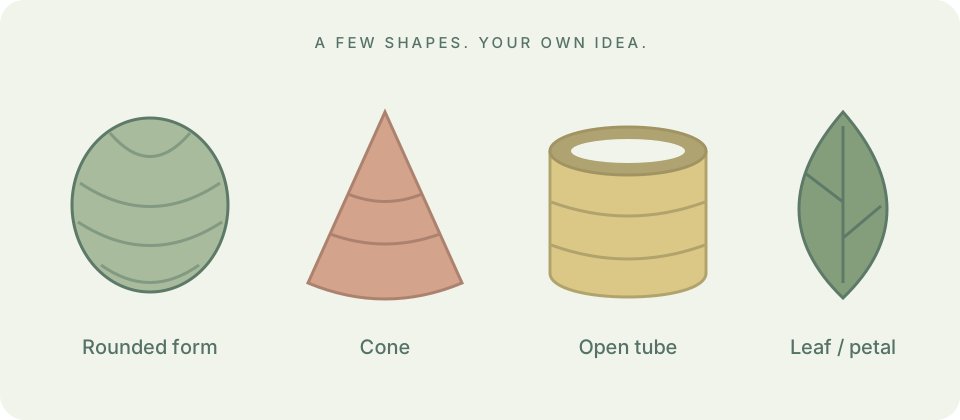
Start with a rounded form, cone, hollow tube, flat panel, leaf, or another reusable construction. Keep the optional animal and hand lessons as starting points.
02
Shape and connect
Change width and length, try a tapered profile, duplicate pieces, and record where to sew them together in the 3D workspace.
03
Read and make a sample
Review the written pattern draft, add your gauge, and print or export your plan. Make a sample to check shape, size, and assembly.
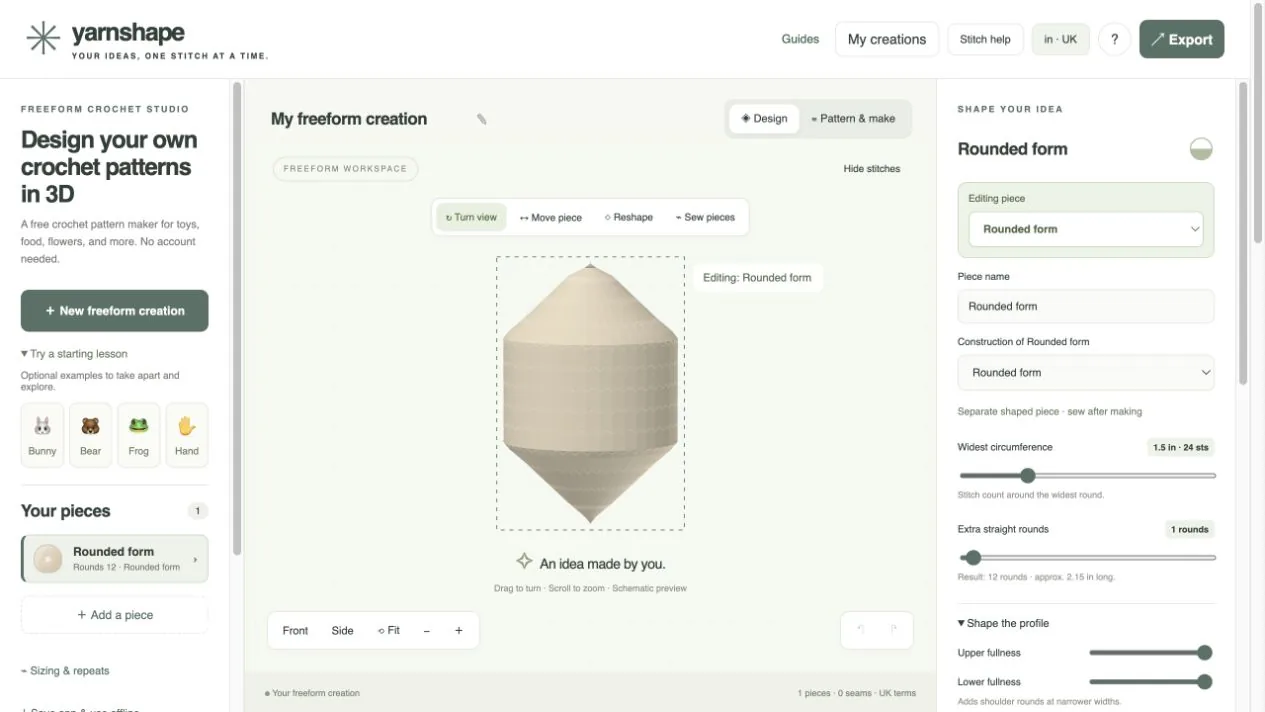
The studio with a rounded-form component selected. This is a software preview, not a photograph of a finished item.
Schematic constructions, not finished crochet samples.